

Design your yard, then ask local landscapers for quotes
Picture the finished yard on a photo of your own home, then send one request to landscapers who use VisionScaper and compare what they come back with.
The Designer is free forever, and you need no sign-up to start. Your design stays on your device until you choose to send it.
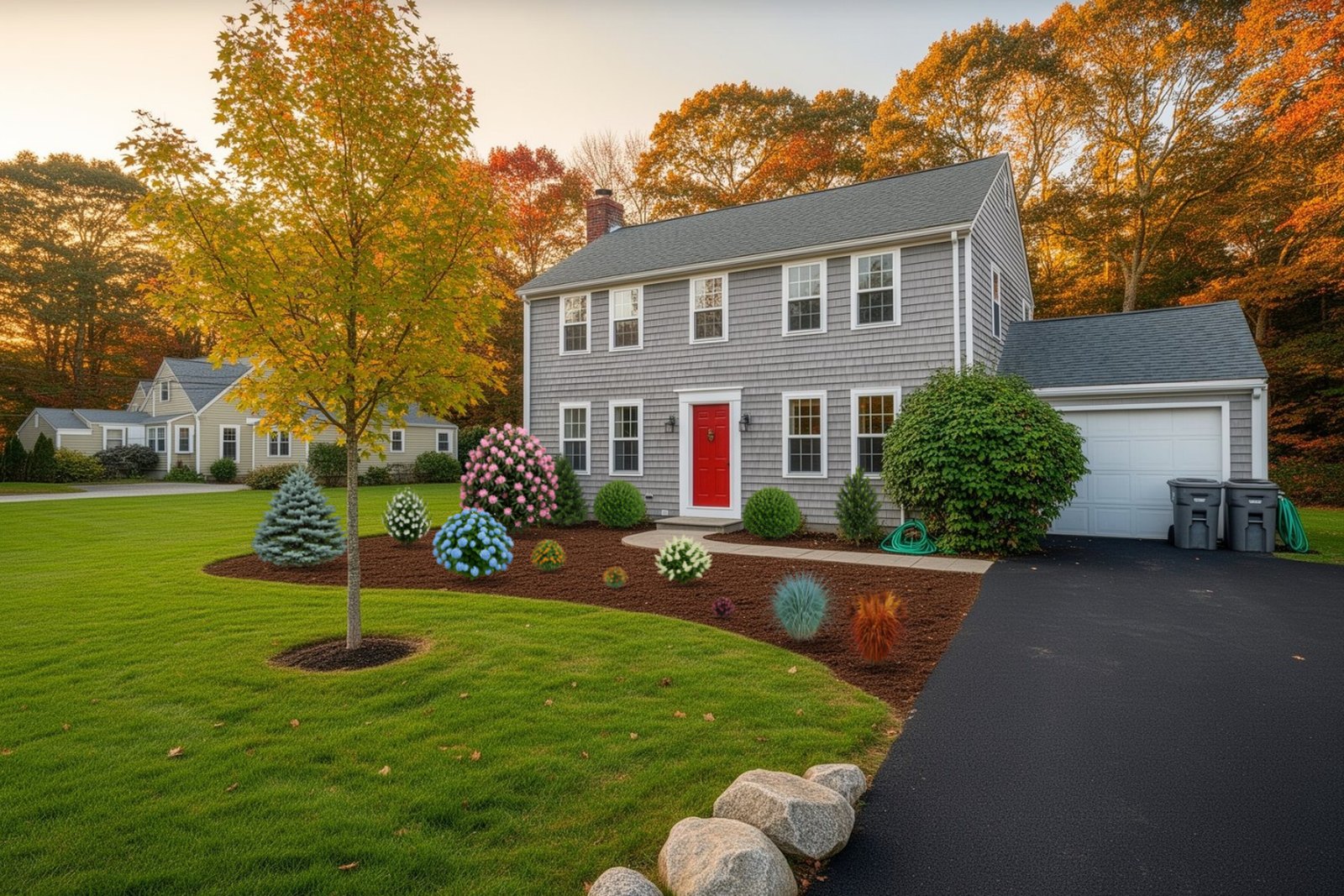
Start with a photo of your yard
- Pick a starting point Take a photo with the camera guides, upload one, open an aerial view of your address, or practise on a sample yard. You can say which part you are working on: front yard, back yard, side yard, patio or the whole property.
- Place plants and paint the ground Search the plant library by name, color, light or height. Paint mulch, stone or lawn, and draw beds and patios. The library covers East Coast plants, so check that a plant suits your area before you rely on it.
- Watch it grow and change the season The See it grow slider shows each plant at future sizes, so you can see whether a shrub will crowd a window. Switch between spring, summer, fall and winter, or turn on night lighting.
- Save it, print it or send it Save a picture, print a one-page sheet with the plant list, or send the design to a landscaper with your contact details.
Find a local landscaper
Find a Local Contractor lists approved landscapers who work in VisionScaper. Enter your town or ZIP, pick a service such as planting, patios and walkways, retaining walls or lawn installation, and sort by nearest, top rated or best Dream-to-Reality.
Each card shows reviews, jobs done and badges such as Licensed, Insured and Pay online. A landscaper with no reviews yet is marked “New on VisionScaper”. Open a profile to see their work gallery, past designs they built (before, design and finished) and their reviews.
Dream-to-Reality is a score past customers give for how closely the finished yard matched the design. A contractor who is not taking requests says so on their card.
Are you a landscaper? Get listed and see the business side, or read about the Designer for landscape professionals.
Send one request to several contractors
You need a free account to send a request. Then the guided brief asks one thing per screen and saves a draft as you go.
- Add the contractors you like Tap Add to my request on each card, or add everyone who serves your area.
- Say what you want Choose services, describe the job, and share the property: your address, an aerial view, then photos of the front, sides, back and existing plants. Aerial photos cover US addresses; if yours is missing, skip it and the contractor will measure on site.
- Add budget, timing and contact details A mobile number is required so contractors can reach you. The review step shows how complete your brief is and what would help them quote without calling.
- Agree and send Tick the consent box to share your details and photos with those contractors, then send. Requests are limited to 20 a day.
Compare quotes, book visits and pay in My Projects
Each contractor you ask can message you, book a visit and send a quote. Everything lands in My Projects, which shows a five-step progress line for every job: Requested, Quote, Hired, Scheduled and Done.
You read the proposal, pick any optional add-ons the contractor offers, and sign on screen. Appointments appear in My Calendar, where you can confirm or ask for another time, and add them to Google, Apple or Outlook. When there is an invoice, you pay it from a link on Stripe’s page by card, Apple Pay, Google Pay or bank transfer.
After the work is done you can rate it, including how closely the finished yard matches your design, and add a photo.
What it costs you
The Designer is free forever for homeowners, and a free account is all you need to send a quote request. What a landscaper charges for the work is up to them and is set out in their quote.
Landscapers’ own VisionScaper plans are separate and appear on the pricing page; you do not pay for them.
Questions from homeowners
No. Your work saves privately in your own browser. An account saves designs online, lets you use them on other devices and unlocks the AI features.
On your device, in your browser, until you sign in or send a design to a contractor. Clearing your browser data deletes designs that were saved only there.
Only the contractors you add to the request, and only after you tick the consent box. They see your name, phone, email, address, photos and the brief.
You can design anywhere with your own photo, but the plant library covers East Coast plants and aerial views cover US addresses.
Landscapers appear only once they have been approved on the site, so a new area may have none yet. You can still design your yard and save the picture.
Keep exploring
Design your yard from a photo of your own home
Upload a photo of your own yard, place real plants, paint mulch and stone, and slide forward in time to watch it…
Landscape design software that works on the customer’s own photo
Design on a photo of the customer’s own yard with an East Coast plant library, true-scale growth over time…
Software for landscape contractors, from first photo to final payment
For landscape contractors: design on a customer photo, quote, schedule crews, run them from a phone and get paid…
Start with the picture
Open the Designer, build the yard on your own photo, then send it to landscapers when you are ready.