

How to estimate a landscaping job: measure, take off, price
A landscaping estimate is measurements, then quantities, then prices. Follow the five steps with a worked mulch example and the VisionScaper screens.
Written by the VisionScaper team. Last reviewed 15 October 2026.
The five steps of a landscaping estimate
Every estimate, from a mulch refresh to a patio, follows the same path. Skipping a step is how jobs get underpriced.
- Measure the areas: lawn, beds, patio, edging length.
- Define the scope in words, so both sides know what is included.
- Take off quantities: how much mulch, stone, sod, edging or labor the scope needs.
- Price the quantities with your costs, labor rate, overhead and margin.
- Review and send a proposal the customer can read and sign.
Step 1: measure the property
Measure what you will price, area by area, because separate areas can be priced separately. On site, a measuring wheel and tape work. From the office, an aerial view is quicker for lawns and beds.
VisionScaper’s Measure property screen lets you type the street address, pick it from the list, choose What is it? (Lawn / grass, Roof, Planting bed, Driveway, Patio / walkway or Whole property) and tap each corner of the area. Tap the yellow Start dot to close the shape, name the area, then Save & measure another area. The running list shows Measured areas and a Total.
Know the limits: it uses aerial imagery for the address, coverage and sharpness depend on where the property is, imagery can be out of date, and a shape that is too small is rejected. Zoom in before tracing curves, and confirm important dimensions on site. Roofs need a pitch because a roof looks smaller from above than it is.
Step 2: write the scope before the numbers
Be specific. The VisionScaper manual’s own tip for proposals is that anything not listed is not included. Say the area, the depth, the material, what is removed and what is hauled away.
If you walk the site with the customer, Walk estimates let you dictate what you see. The AI proposes which of your own services were mentioned, and every line waits for a person to accept, reject or edit it. It never sets a number: a quantity comes only from a measured area or a number actually spoken, and the price comes from your own templates and rates.
Step 3: take off quantities
Takeoff means turning measurements into material counts. The usual mistake is forgetting waste, settling and delivery.
Illustrative example, not a benchmark: a 400 square foot bed mulched 3 inches deep. Volume = 400 × (3 ÷ 12) = 100 cubic feet. Cubic yards = 100 ÷ 27 = 3.70. Add 10 percent waste for settling: 3.70 × 1.10 = 4.07. Round up to the next half yard and order 4.5 cubic yards.
VisionScaper’s plan takeoff does this sum for mulch in the same order: area and depth, convert to cubic yards, add a waste percentage, round up in half-yard steps, then add delivery loads and labor for prep and spreading. Other shapes follow their own rules, for example sod by the pallet and pavers with a base, sand and edge restraint.
Step 4: price the quantities
Continue the example with made-up round rates: mulch at 40 dollars a cubic yard and 1 labor hour per yard at 40 dollars an hour. Materials = 4.5 × 40 = 180. Labor = 4.5 × 1 × 40 = 180. Direct cost is 360 before delivery and prep, which you would add as separate lines.
Then add overhead and your margin. The guides to landscaping profit margin and landscape job costing explain how to choose both, and the markup and margin calculator converts a cost into a price.
In VisionScaper the numbers come from Settings, Prices and quotes. The Price book holds cost per unit, waste percent and hours per unit for mulch, stone, edging, sod, seed, pavers and more. Costs & markups holds your labor rate, overhead, pricing method, minimum job, mobilization, sales tax and deposit. The starting values are placeholders, not your prices, so replace them before you send a quote.
Estimate a job in VisionScaper, step by step
- Measure the property Open Measure property, trace each area and save. Choose Create a new contact or Attach to existing contact so the areas appear on the customer page under Work, Measurements.
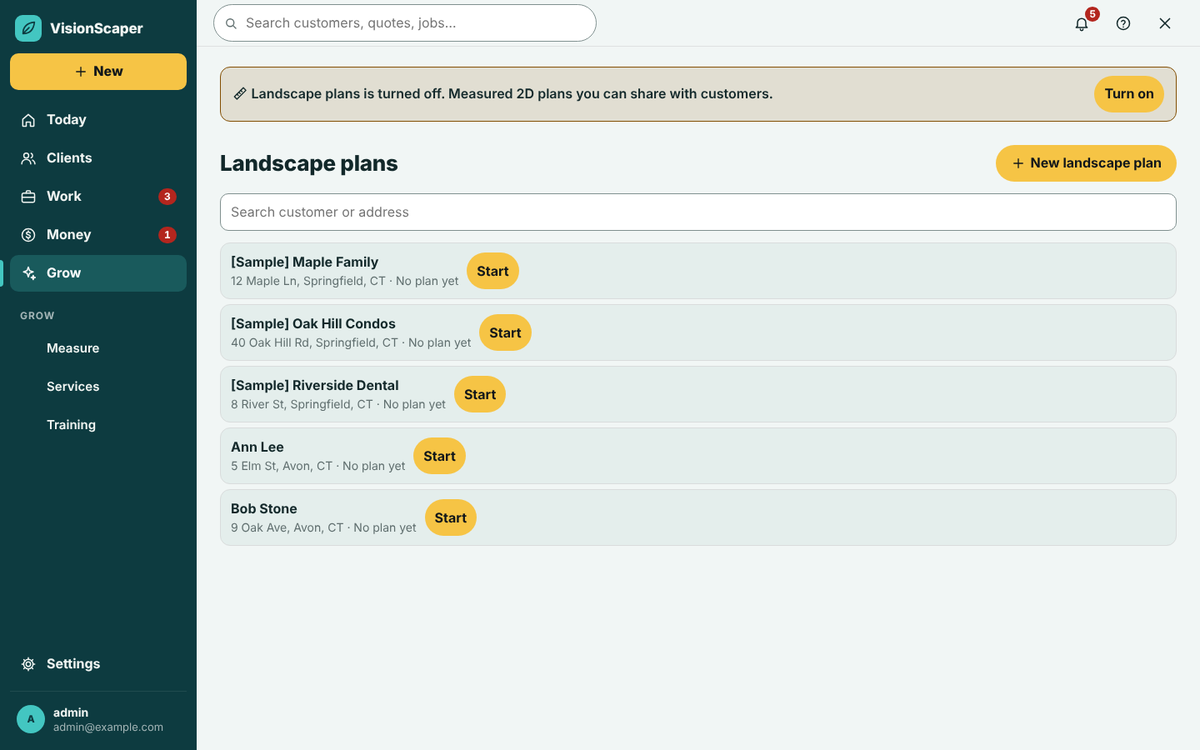
- Create a landscape plan if the job needs one On the customer’s property, tap Create a landscape plan and draw beds, lawn, patio and plants as shapes. Shapes marked existing are reference only unless you also mark them Remove it.
- Start the quote and bring in the plan Tap New quote (see quotes and proposals), choose the customer and property, then tap Use the Landscape plan’s quantities. A message says how many sections were built and which items need your price.
- Check the Job cost (internal) tab Every line shows Type, Item, Qty, Unit, Unit cost and Cost. Fix quantities, add lines with + Add line and check the Price box on each section.
- Read the totals bar It shows Your cost, Price, Gross profit with a percent, Tax, Customer total, Deposit and Crew hours. If the minimum job raised the price, a note says by how much.
- Write the Customer proposal Add an introduction and a scope for each section, one item per line. Use Optional add-on for extras the customer can pick, then Preview and send for e-signature.
Other ways to start a quote
Not every job needs a plan. You can start from a service template, copy a past job, or use Quote it with AI, which turns a job description into work with sizes. The AI never sets a price, prices come from your price book, and the page tells you to review prices and quantities. Drafts are saved as normal drafts and nothing is sent. The AI Quoter needs a plan that includes it and an AI service key set up by the account owner, so check the pricing page.
Common estimating mistakes
- Pricing from memory instead of from your price book.
- Forgetting waste, delivery and disposal.
- Using a production rate that your crew cannot hit in the real world.
- Leaving overhead and mobilization out of the price.
- Vague scope: if it is not written, the customer assumes it is included.
Questions about estimating a landscaping job
A takeoff turns measurements into quantities, such as cubic yards of mulch or feet of edging. It comes before pricing.
Yes for rough sizing, with limits. Measure property uses aerial imagery for US addresses, which may be old or blurry. Check key dimensions on site.
It calculates prices from your own price book, labor rate, overhead and markup. The AI only lists work and sizes.
Compare finished jobs to their estimates and adjust your price book. See landscape job costing.
Try it in VisionScaper
Measure a property, build the takeoff and see the quote in one place. Learn more about landscape plans and measuring or start your free trial.